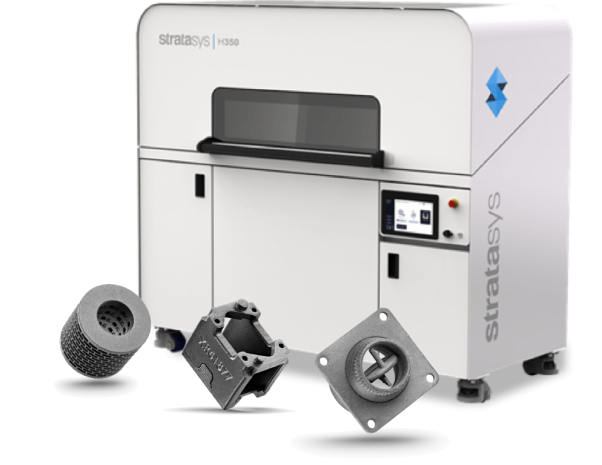
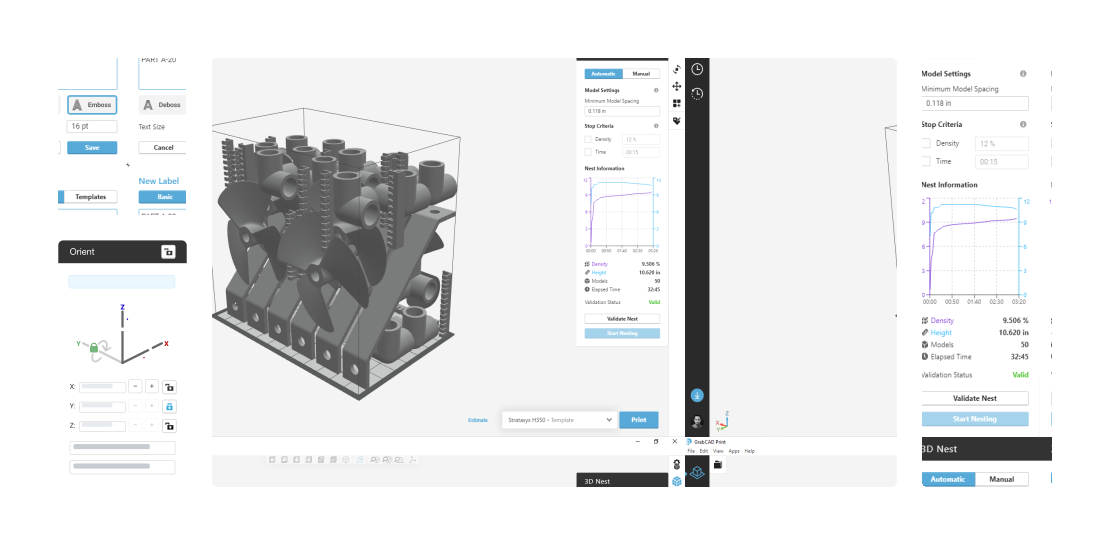
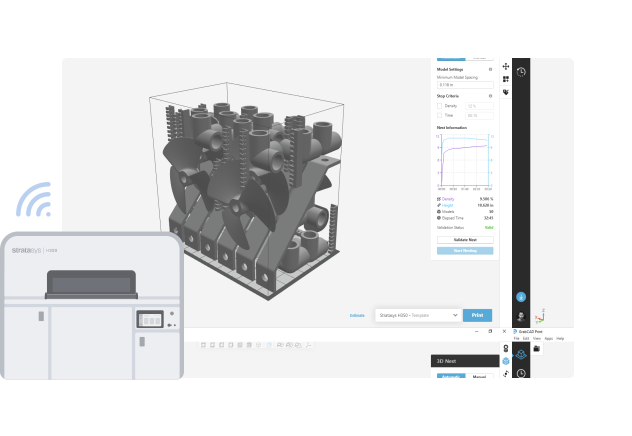
GrabCAD Print Pro for SAF technology provides an unmatched level of control. From print preparation to printer connectivity, control the packing arrangement of your 3D nest to meet exact print and time requirements.
Labeling Options
Parts can be labeled for easy identification to ensure part quality and aid post processing. The label may be created as a ‘Basic’ one off label or as a ‘Template’ label, like a unique serial number, that can be reused on multiple parts or duplicated parts.
Part Nesting
Choose between Automatic nesting and Manual nesting to ensure an optimally packed tray to get the most parts per print.
Intuitive Shrinkage Compensation
Prevent wasted time and material cost with shrinkage compensation that is applied by the software at the time of slicing. All 3D nest preparation is done using printed dimensions, ensuring that an automatic nesting operation will always be valid.
3D Array
Create a three-dimensional array of a selection of models to easily pack the build volume of the printer. This enables the ability to build parts in the Z-axis, reduce build times, and increase throughput.
Positioning Tool
Achieve exact positioning of single or multiple selected models in X,Y, and Z. This leads to more precise location control, better packing, improved throughput, and reduced prep time.
Assemble/Dissolve
Create or dissolve an assembly of selected models, either mesh or CAD. This will result in more precise location control, better packing, improved throughput, and reduced prep time.
Printer Monitoring
View the status of your print jobs in your printer fleet, receive print job notifications, and report on printer utilization and material usage.




 English